Keep the idea on the wall.
Place freely · Color · Pin to the desktop
More about notes
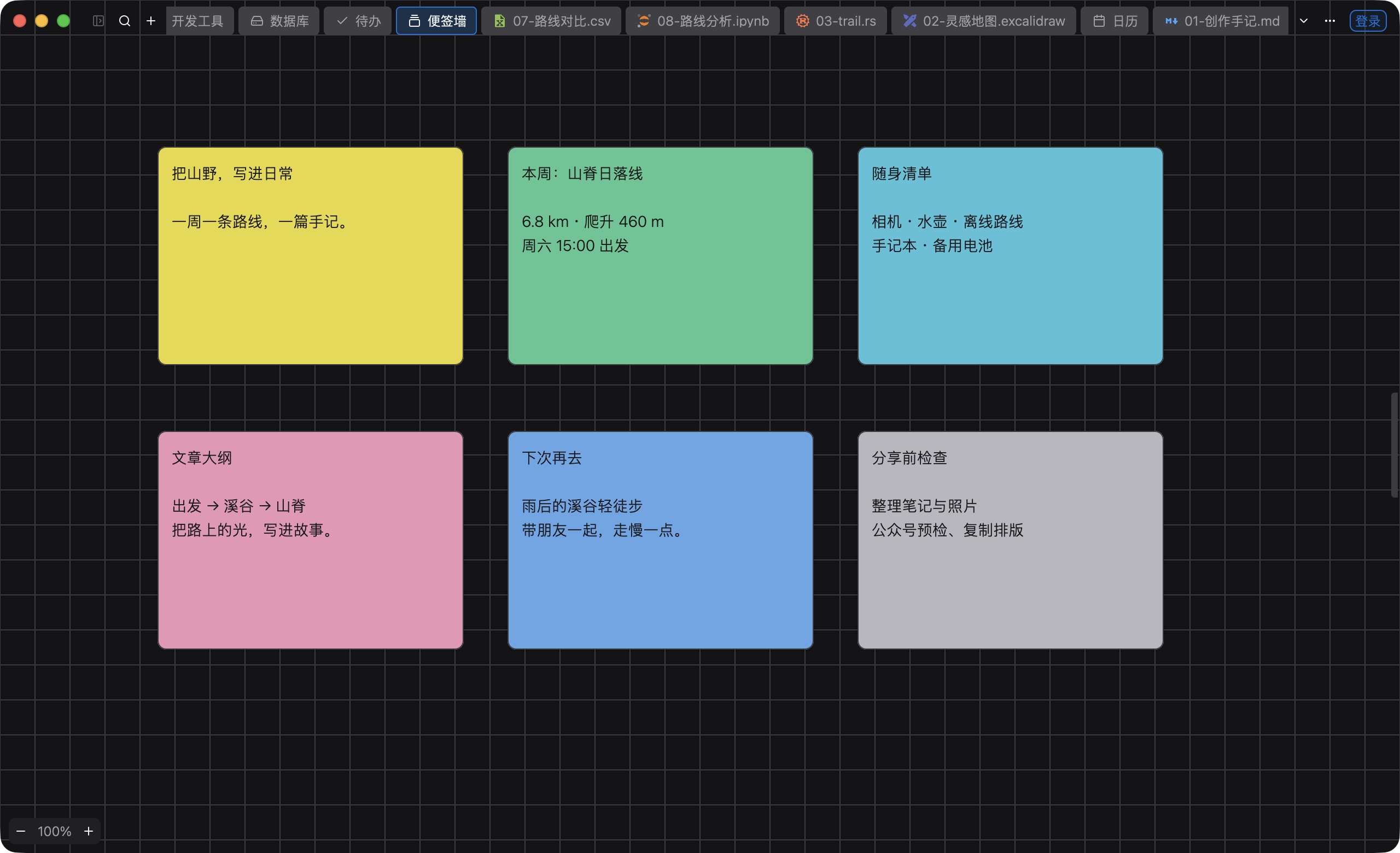
Choose a color, then set the position and size. Pin a note to the right edge, or attach it to the file you are reading.
LOCAL INTELLIGENCE. NATIVE POWER.
Notes, tasks, and writing, in one place.
Magic Ball suggests what to do next.
Color a note, then move and resize it. Pin it to the right edge of the screen, or attach it to the current file.
Group tasks, add notes, and split subtasks. Archive what is done, and restore it later. Import and export Markdown.
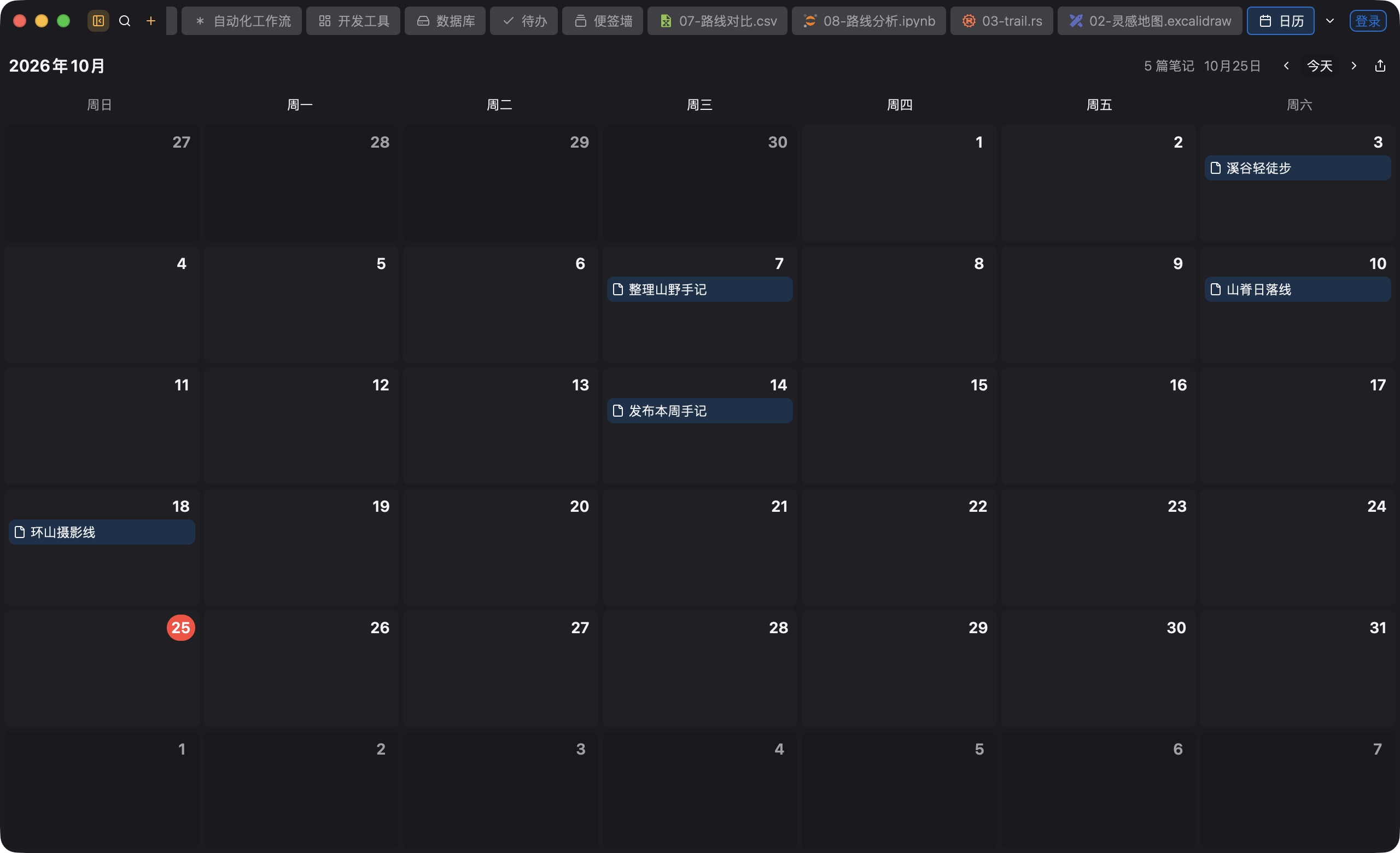
The month view lines up daily notes. A day can hold several entries. Reuse a template, and set a reminder.
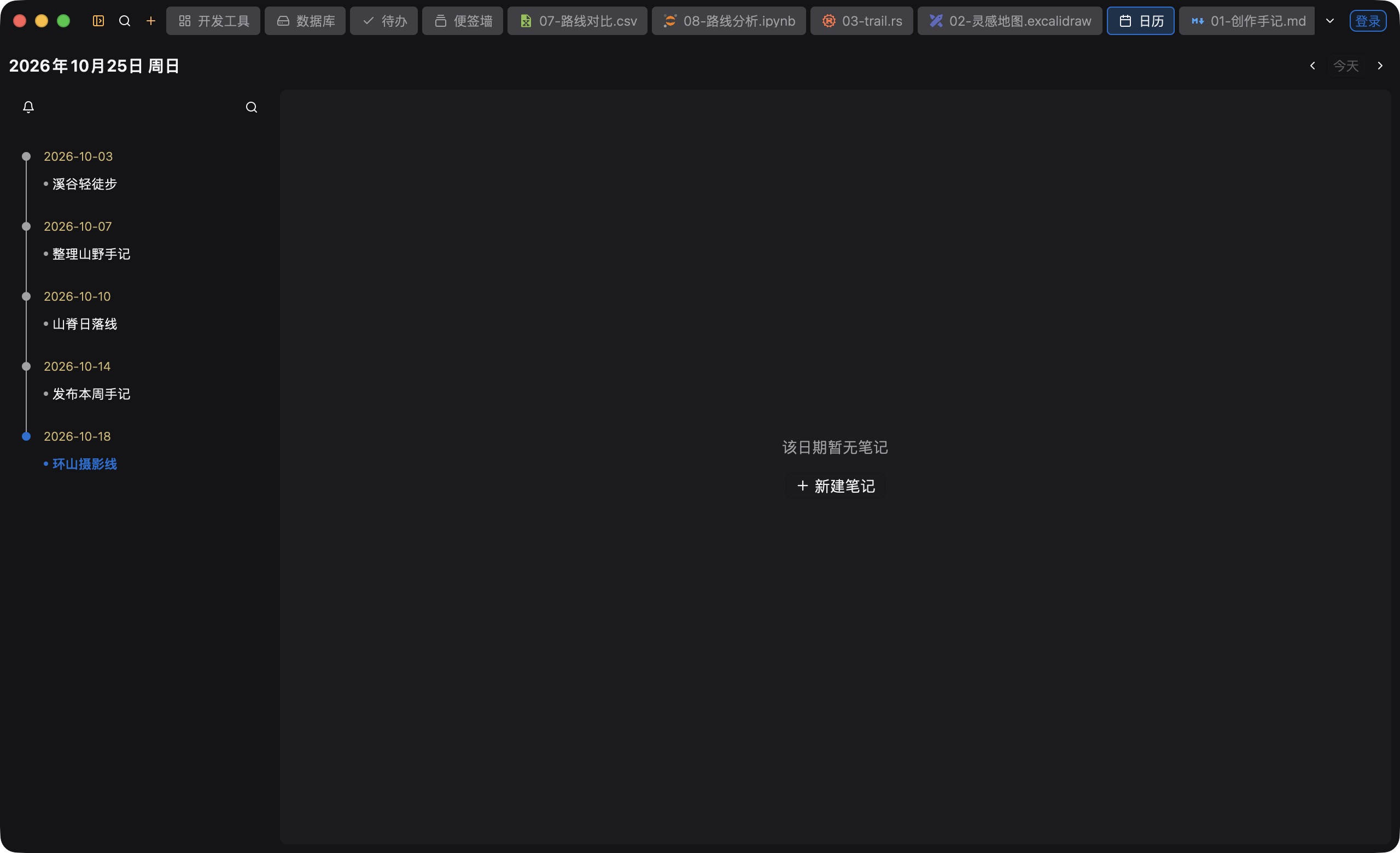
The day view lists notes by date. Click one to open it. Pin a note so it stays above other apps.
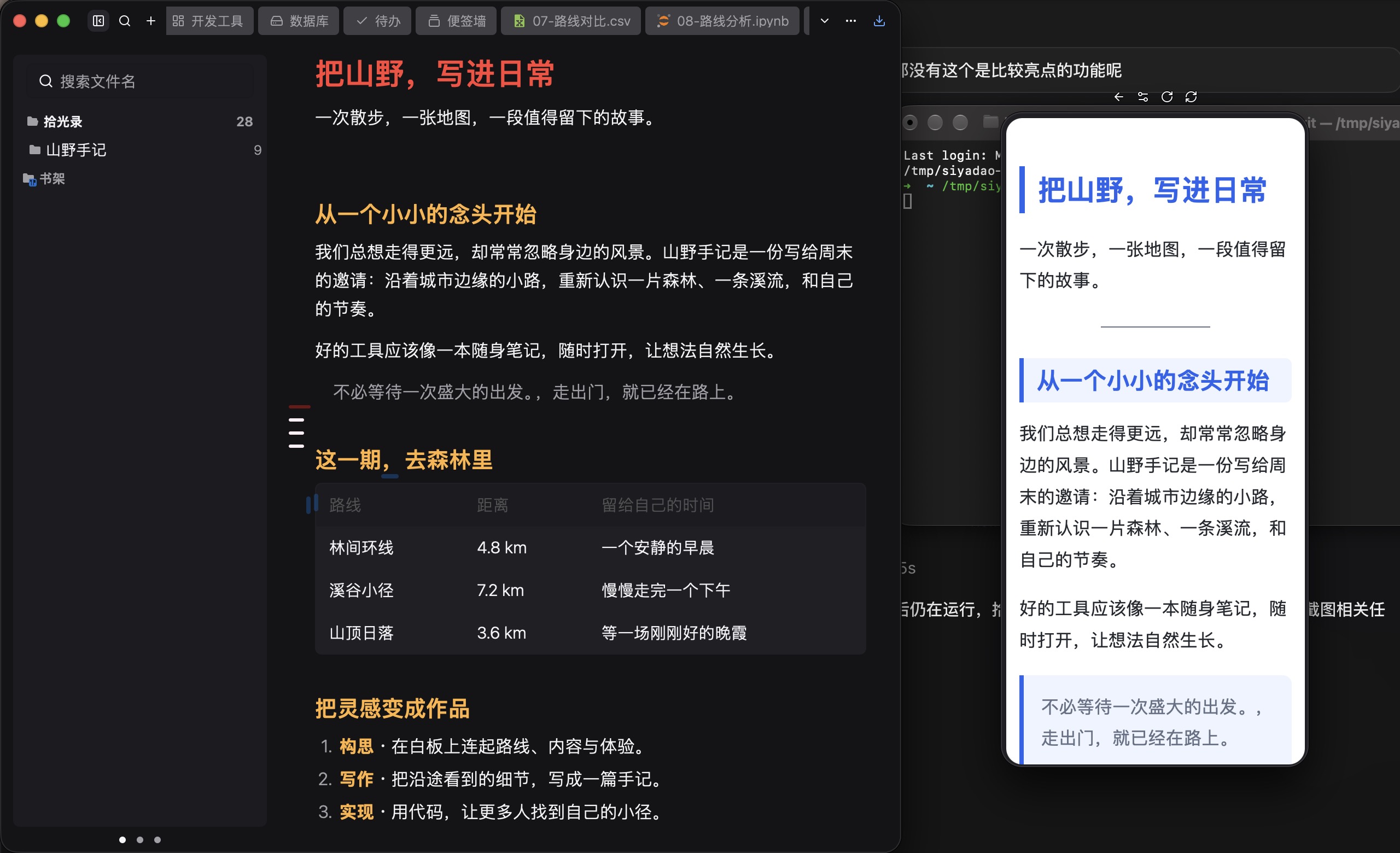
Open the WeChat article preview beside the editor. Check the title, paragraphs, and theme on a phone-sized page, then copy or publish.
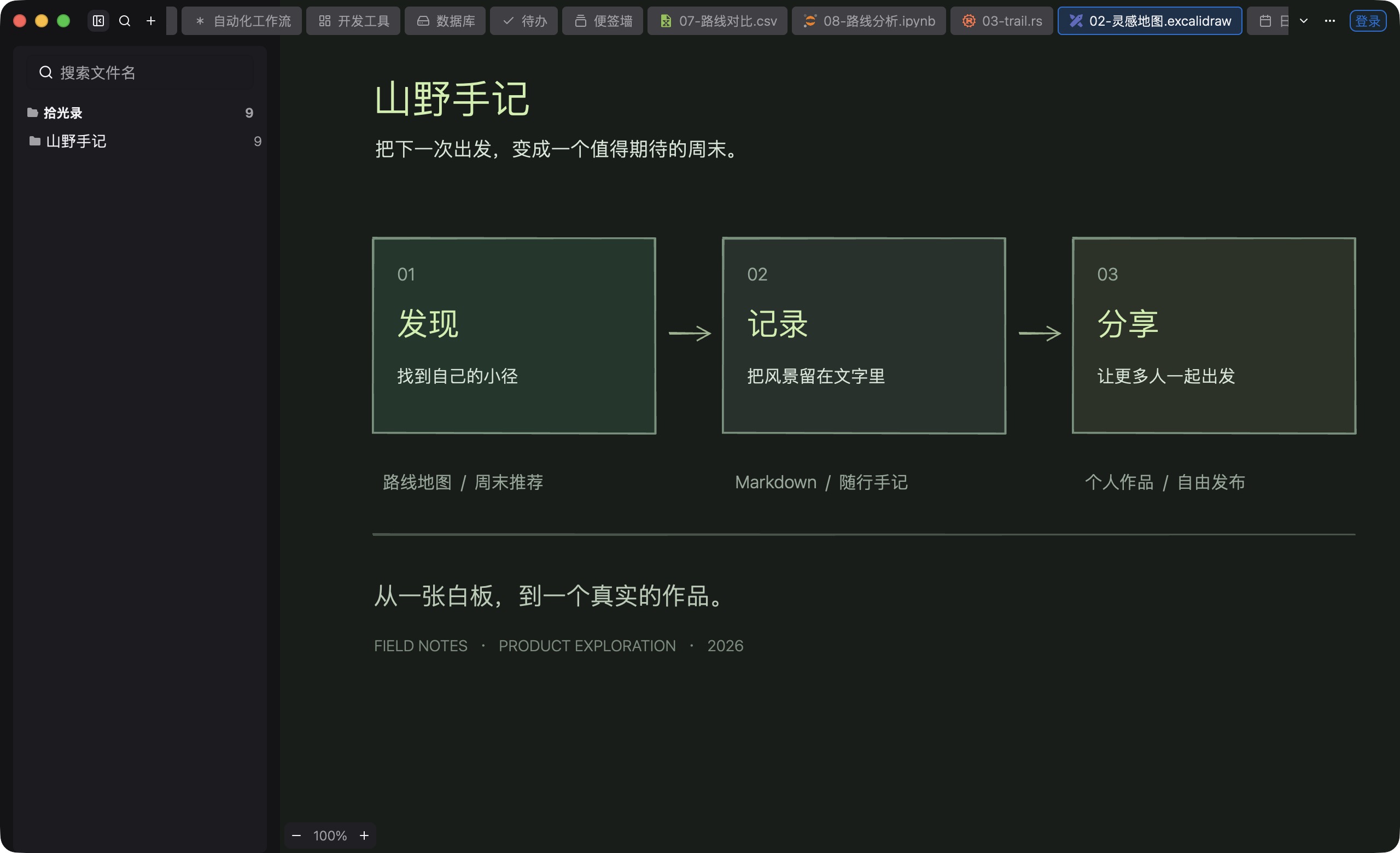
Native .syd canvases and Excalidraw hold shapes, connectors, and sketches, including Markdown cards. Mind maps open and save XMind files.
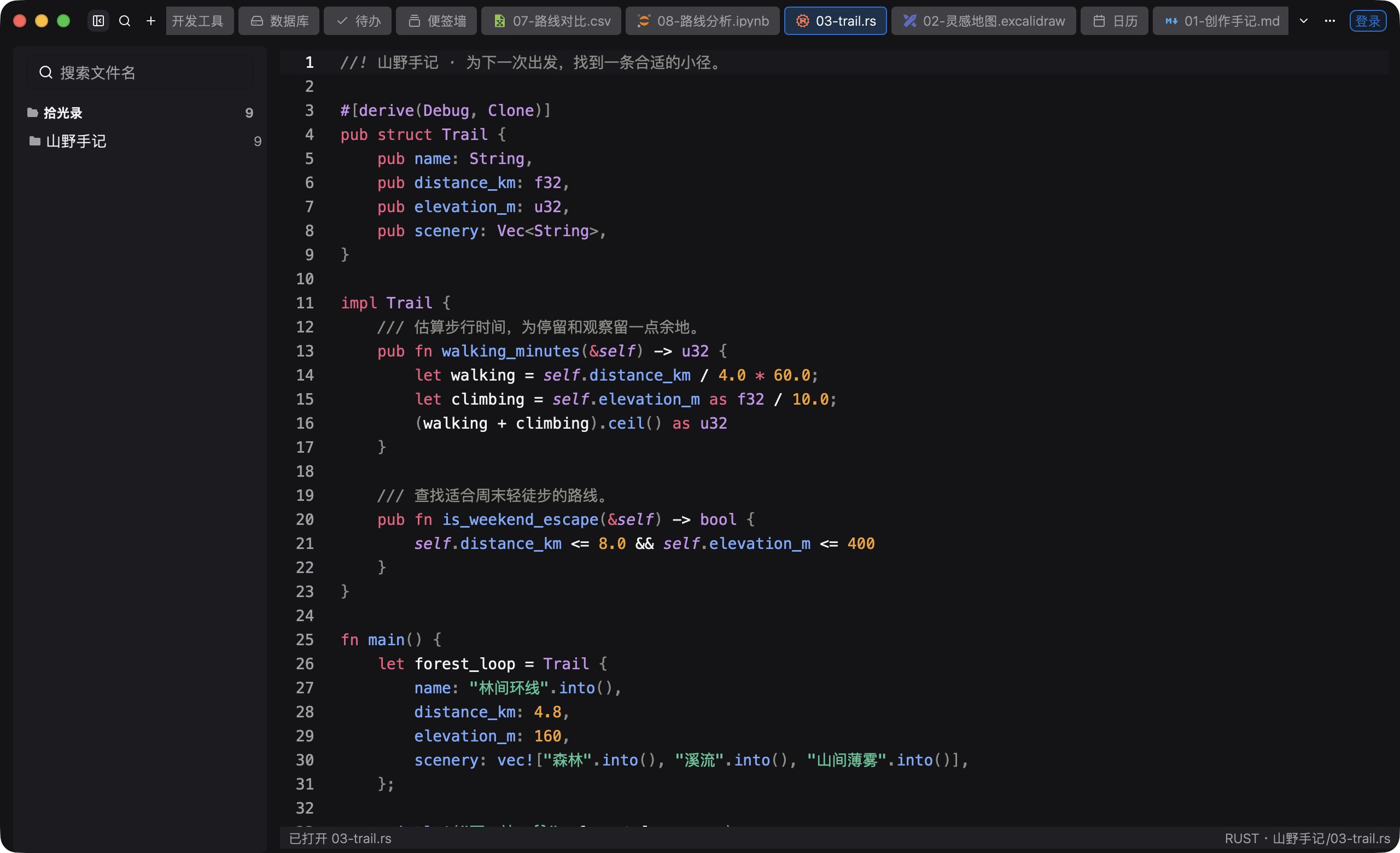
Edit Rust, Go, and Python with language-server navigation and diagnostics. Search, Git, and a real terminal stay in the project.
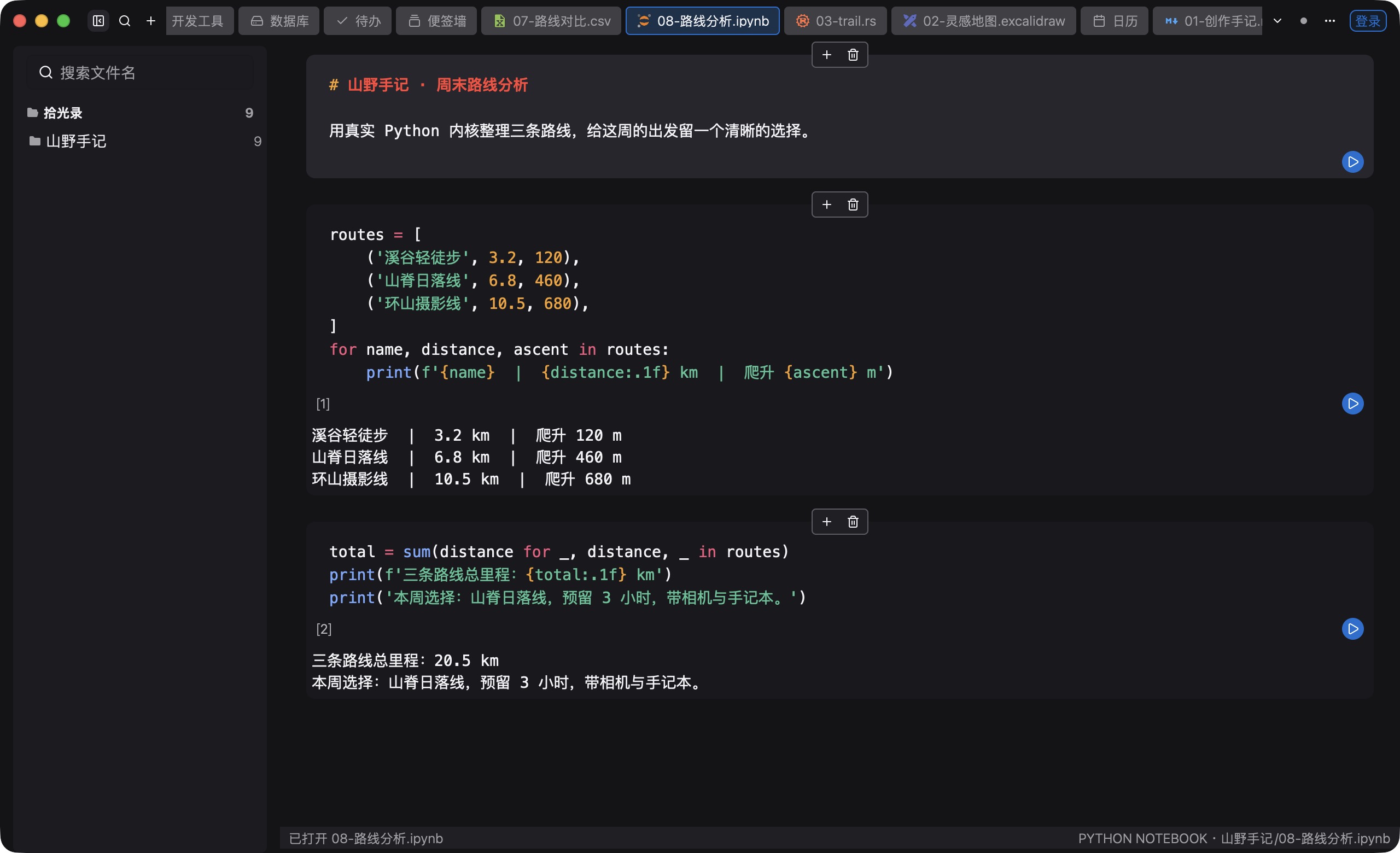
Edit and run notebook cells, and keep the output. Manage Python environments and save experiment notes.
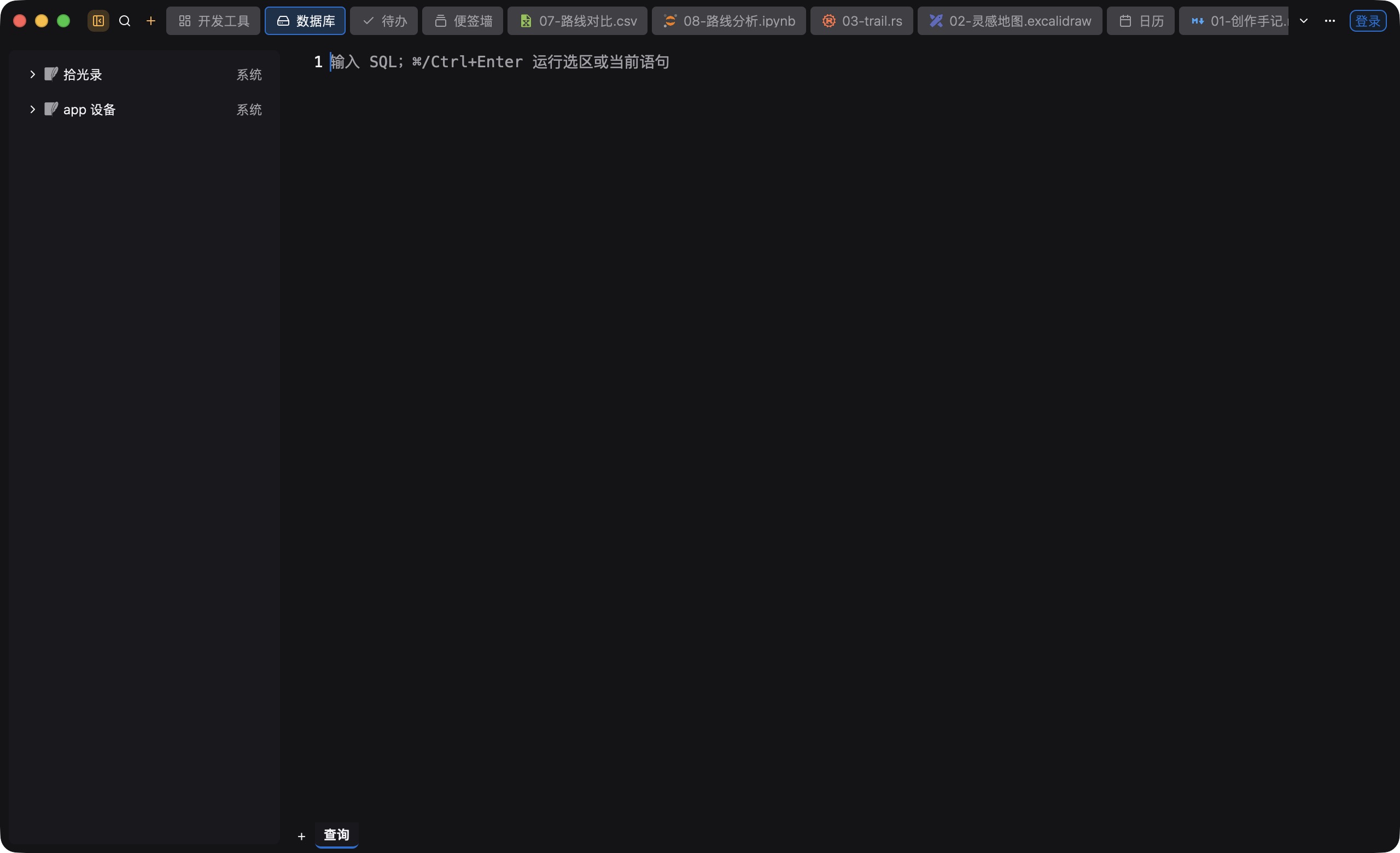
Connect to SQLite, PostgreSQL, MySQL, MariaDB, ClickHouse, or Redis. Browse objects, write SQL, and export the result.
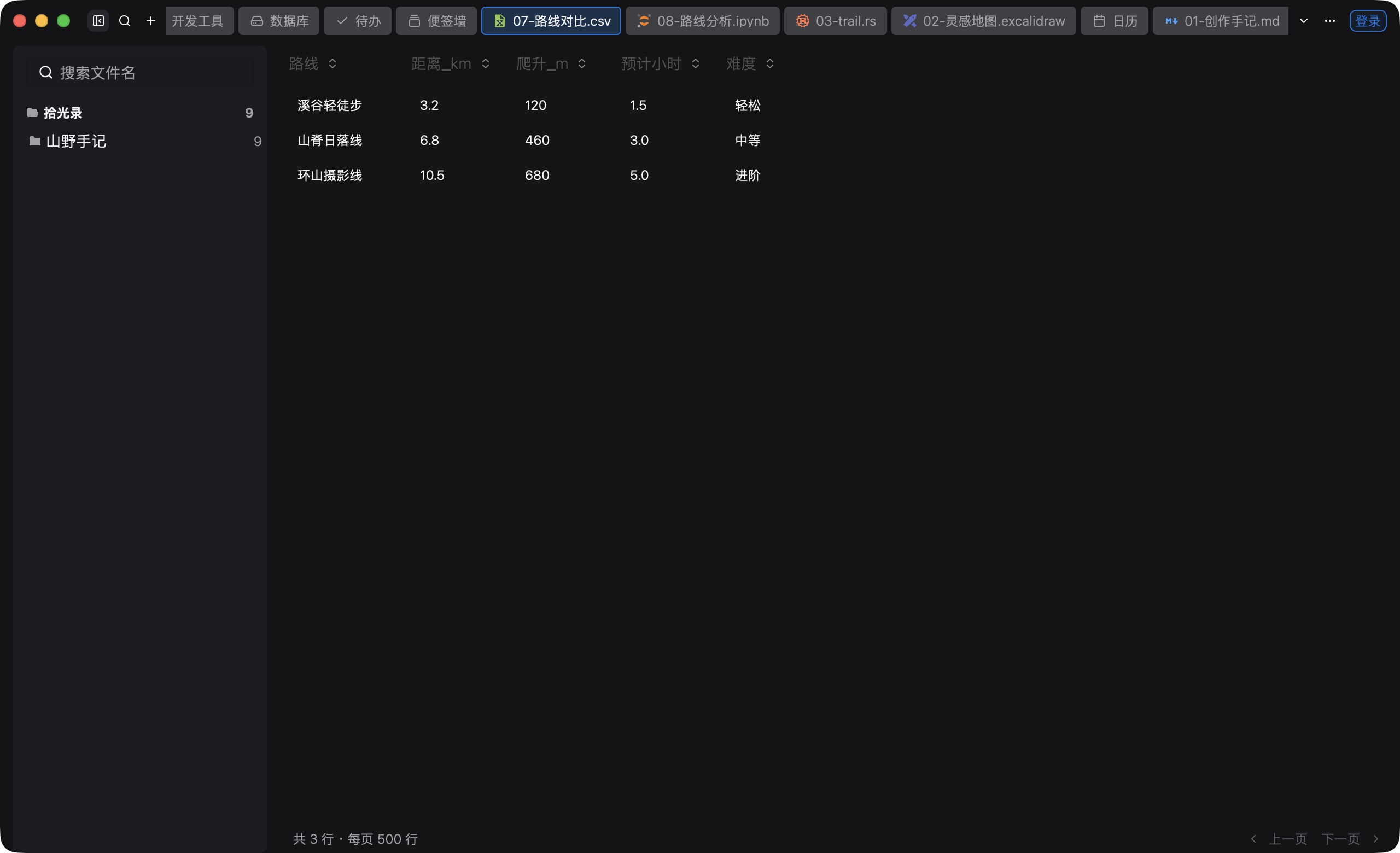
View and edit CSV and TSV. Copy a cell or a whole row, or switch to read-only text.
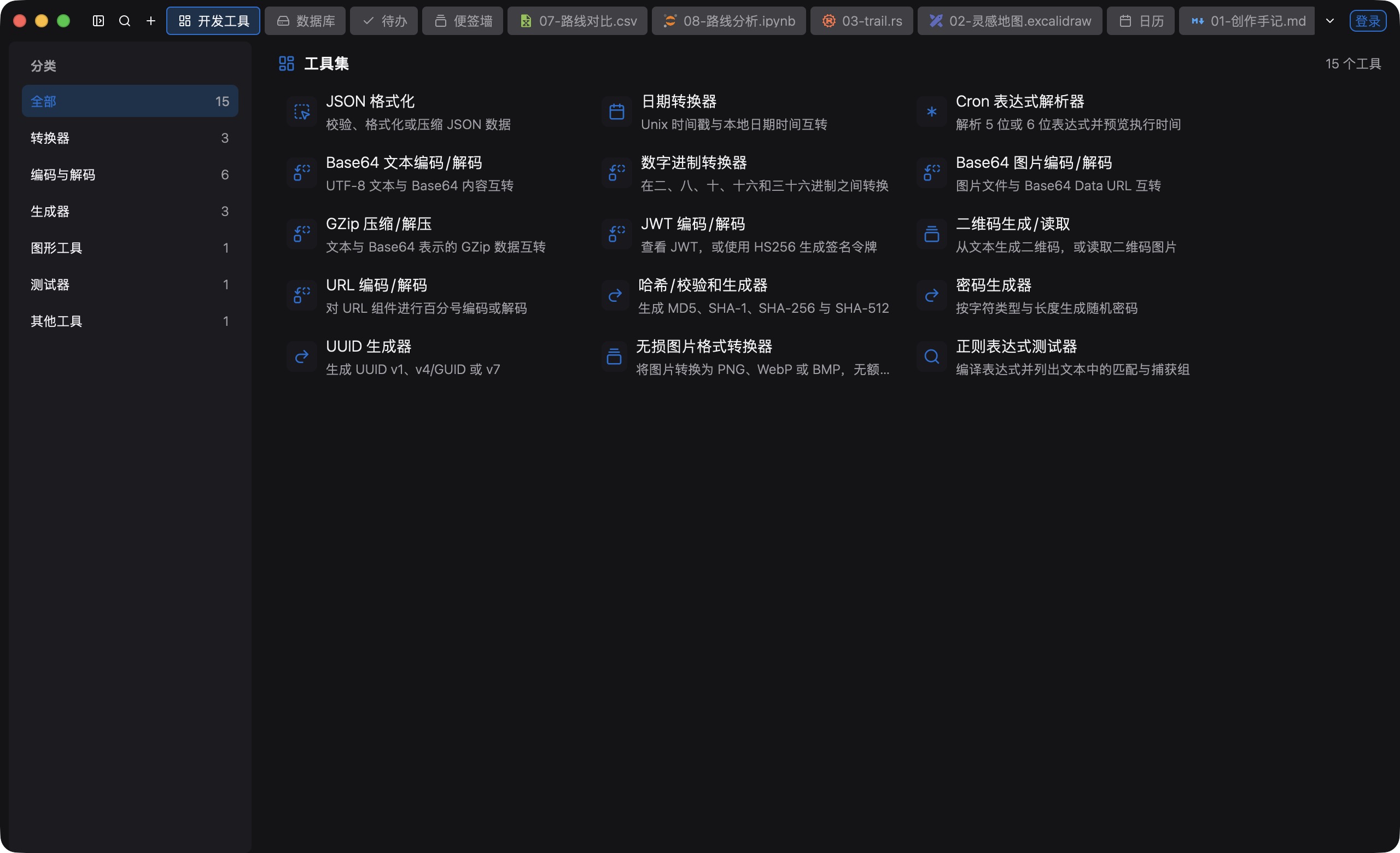
JSON, timestamps, cron, encoding, QR codes, regular expressions, and the rest of the 15 tools live in the toolset. The vault opens separately.
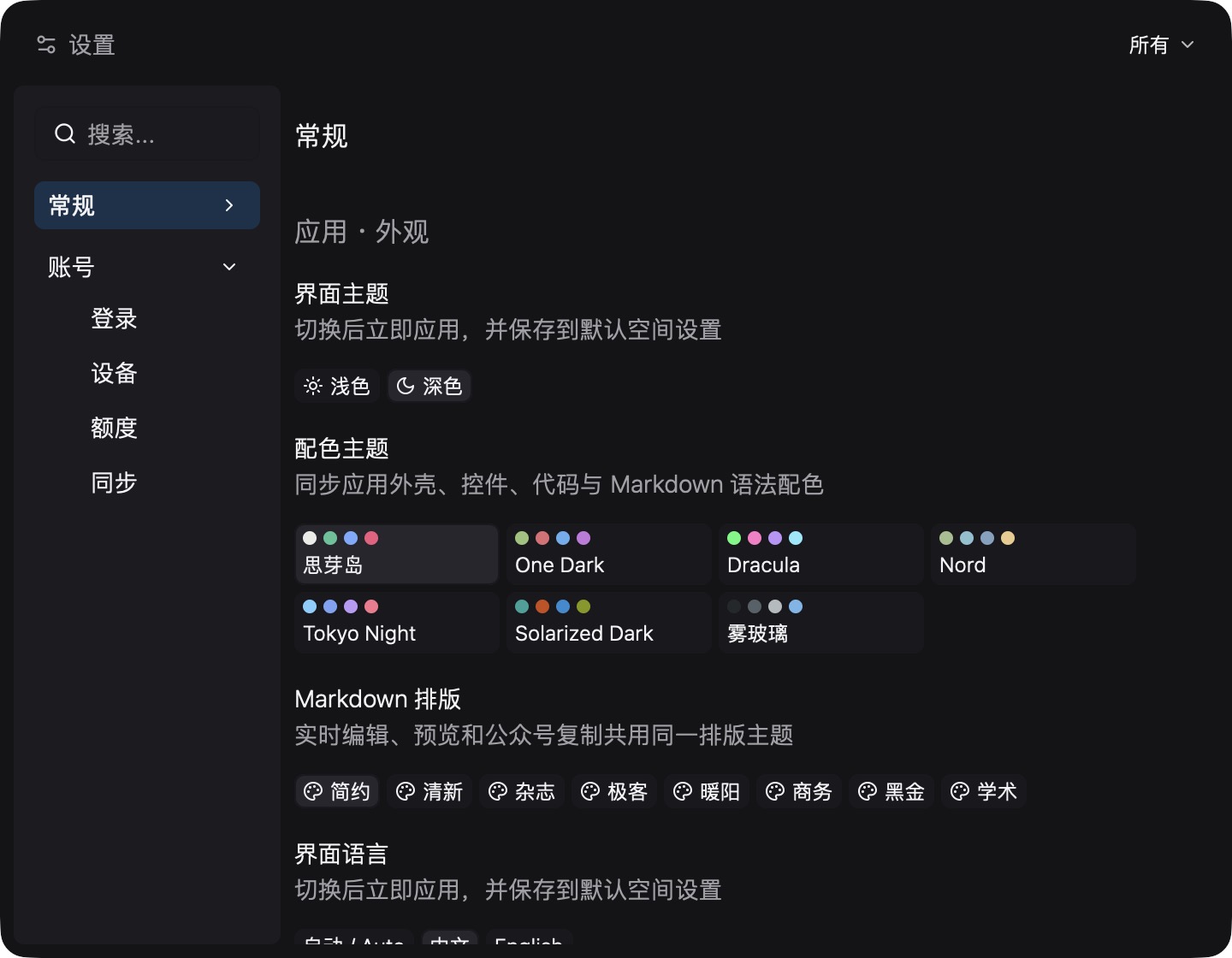
Use it without an account. Settings cover appearance, eight article themes, and Chinese or English. After you sign in, manage devices and choose what to sync.
01 / CAPTURE. ORGANIZE. DO.
Place freely · Color · Pin to the desktop
Choose a color, then set the position and size. Pin a note to the right edge, or attach it to the file you are reading.
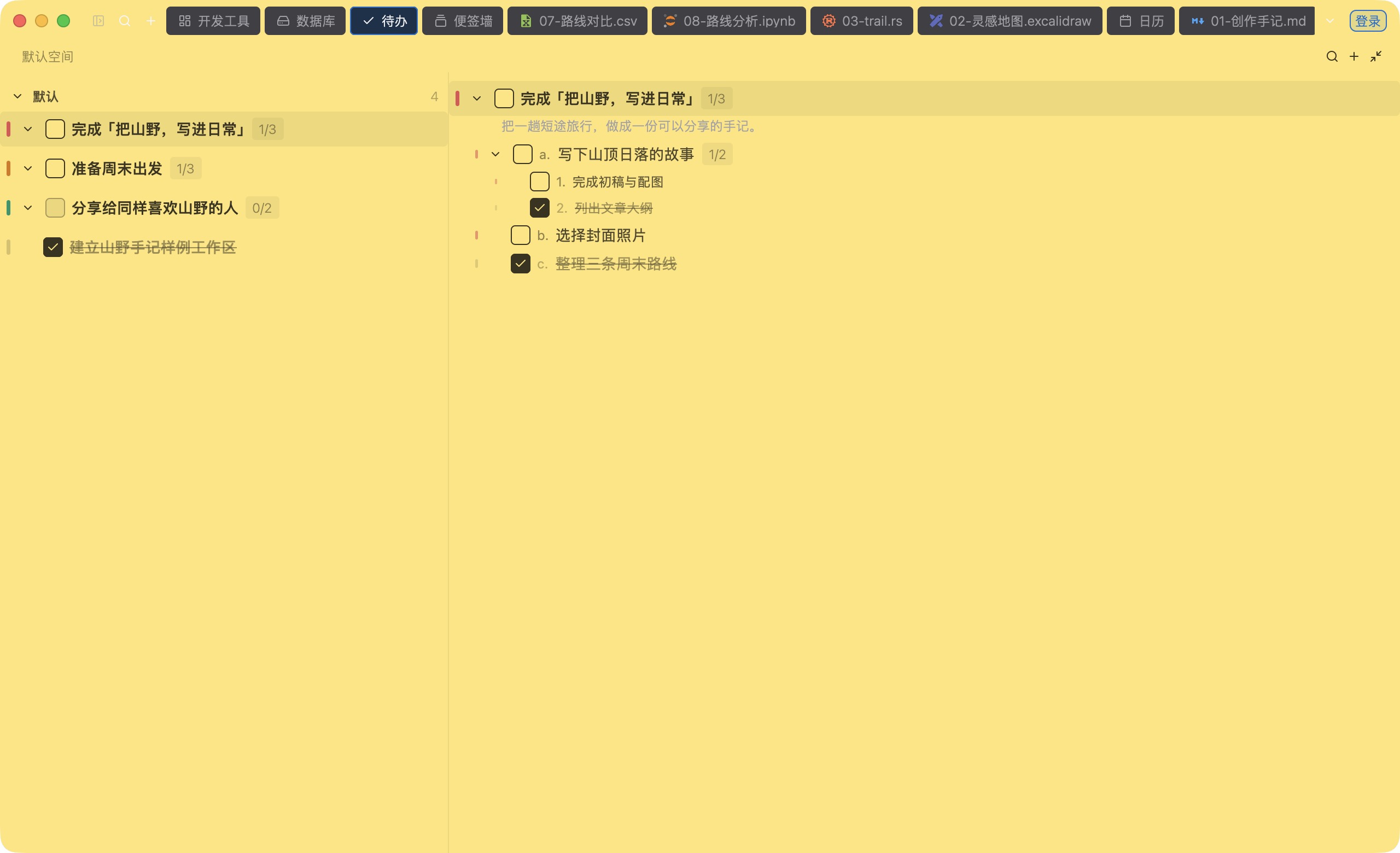
Groups and subtasks · Progress · Archive and restore
Group tasks, add subtasks and notes. Archive finished items and restore them later. Import and export Markdown. The list stays in a local database.
02 / DAYS WORTH KEEPING
The calendar holds today. The timeline connects what came before.
Keep several notes on one day, reuse a template, and set a reminder. The day view lists them by date. Pin an important note above other apps.
03 / YOUR NEXT MOVE, WITHIN REACH
Click once for tools. Double-click to say what you want.
Phrase learning can be turned off or cleared. It stays on this computer.
JSON, timestamps, cron, base conversion, Base64 text and images, GZip, JWT, QR codes, URL encode and decode, hashes, password generation, UUID, image conversion, and regular expressions: 15 tools. The vault is separate.
The vault stores encrypted password fields locally. After you sign in, syncing the vault is optional. WeChat publishing credentials stay in the vault on this computer and are not part of content sync. Model API keys are also excluded. Model access is optional.
04 / A SPACE FOR EVERY IDEA
.syd canvas · Excalidraw · XMind
Arrange an idea with shapes, connectors, and text, and drop Markdown cards on the board. Native .syd canvases and Excalidraw open and save. XMind files open, edit, and save. Mind maps open directly.
Phone preview · Rich copy · Draft sync
WeChat sync needs your account. You confirm before it publishes.
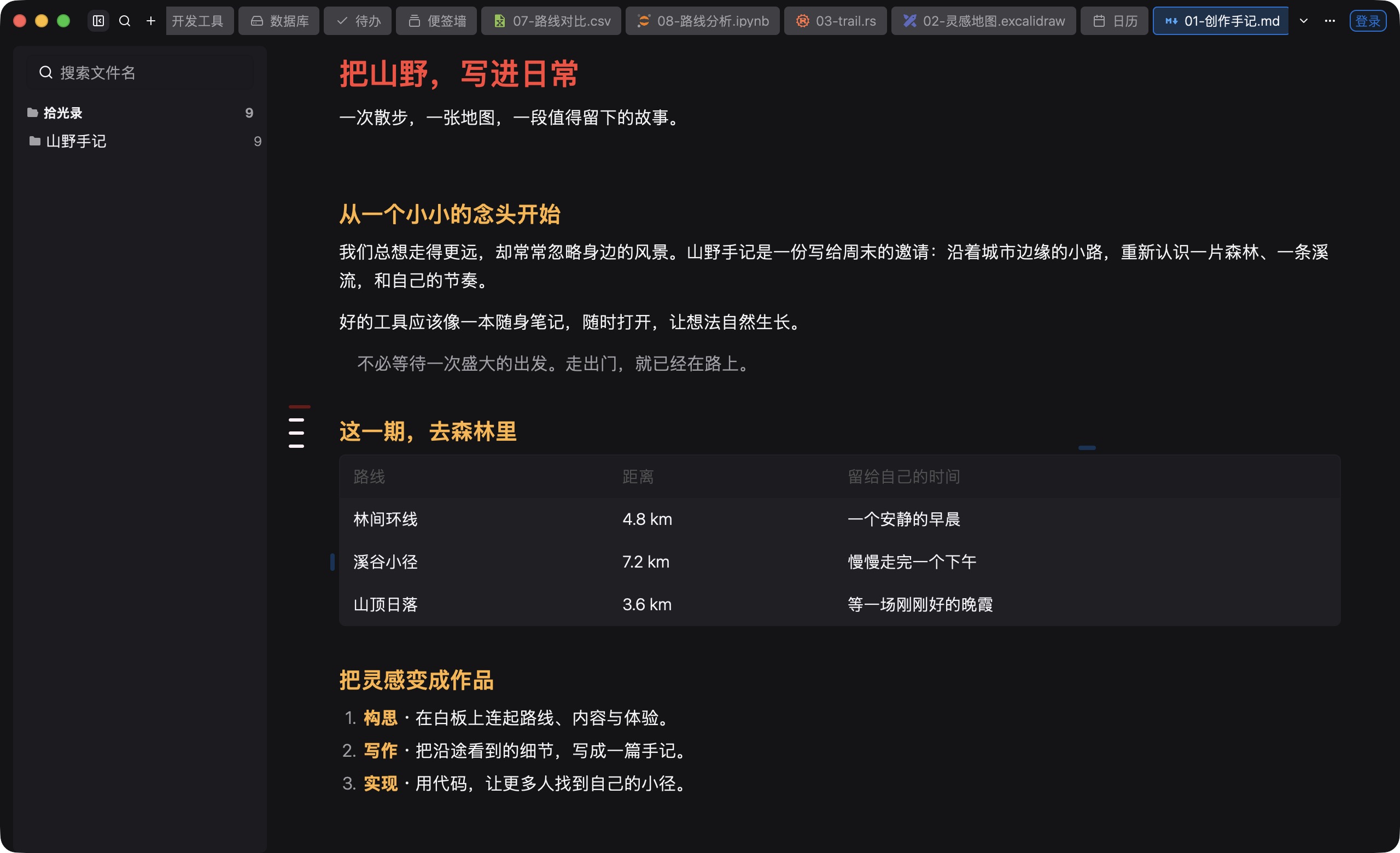
Write in the block editor, jump from the outline, and find text in the draft. Mermaid diagrams and math are included. Eight themes apply to editing and to the WeChat copy. Preview the phone layout, check images, save a draft, and publish only after you confirm. Up to 10 WeChat accounts.
05 / BUILD. RUN. DISCOVER.
Code, a terminal, data, and automation take the next step.
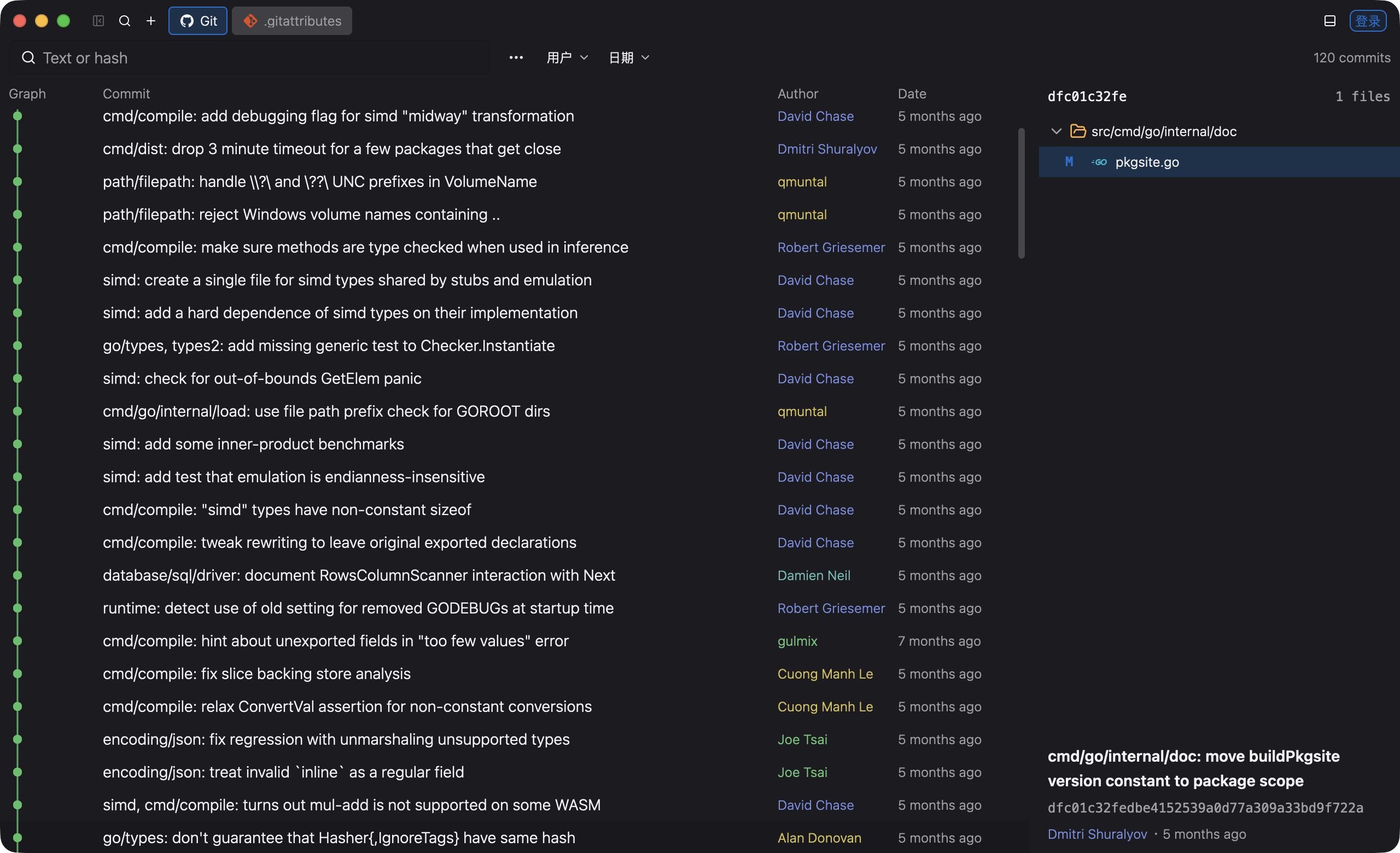
Rust, Go, and Python get highlighting, project navigation, and language-server diagnostics. Each terminal session has its own PTY, can run an Agent CLI, and can open SSH connections. Review changes, stage, commit, switch branches, and read history. The Git picture is a Go repository’s commits and a file diff.
Code navigation needs rust-analyzer, gopls, or Pyright. The default personal space does not need Git.
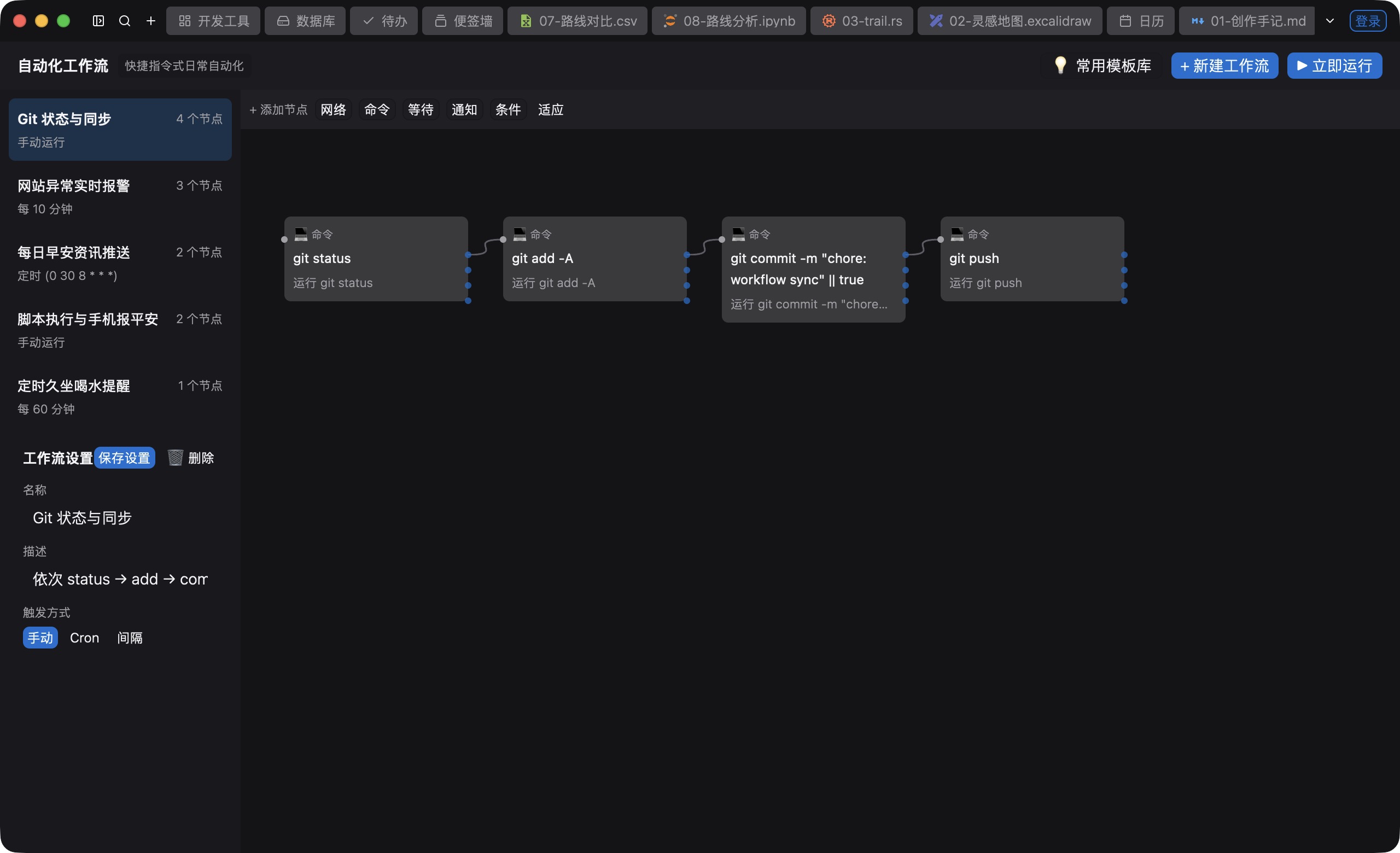
Connect commands, conditions, and notices into a flow. Start from a template, run it yourself, or schedule it with cron. Notify in the app, DingTalk, Feishu, or WeCom.
Manage Python interpreters, environments, and packages. Run notebooks through a Jupyter kernel, then archive and compare experiments. Running needs that interpreter and kernel.
The database workspace connects to SQLite, PostgreSQL, MySQL, MariaDB, ClickHouse, and Redis. Browse the object tree, complete SQL, and export results. Saved table files can be queried with DuckDB, and that query can be cancelled.
View and edit CSV or TSV. Preview, rotate, compress, and convert images. On macOS, read, highlight, and annotate PDFs. Search by name, text, or code symbol, and restore a file from local history.
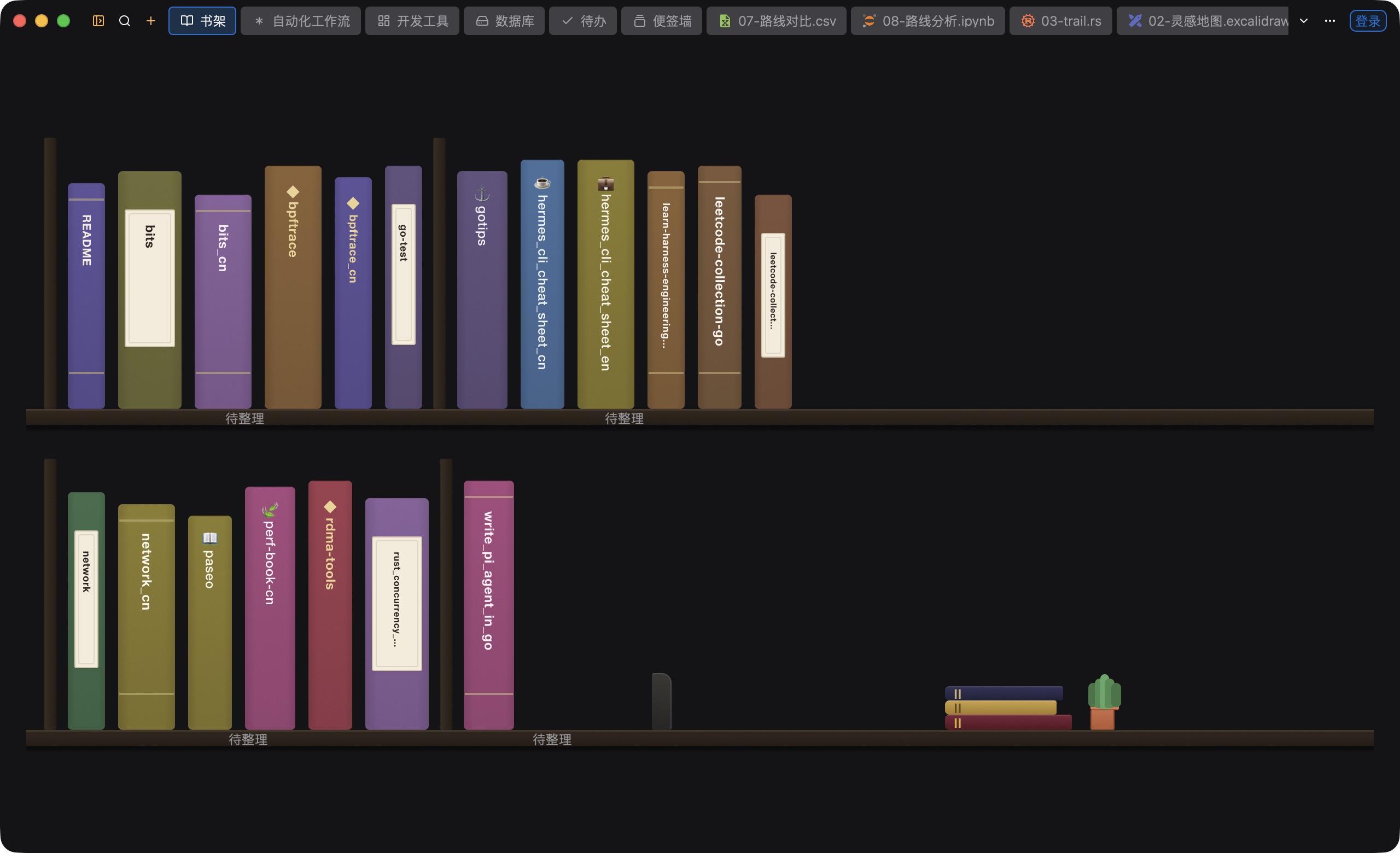
The library keeps tags, favorites, ratings, and reading progress. Import EPUB, PDF, AZW3, TXT, Markdown, and CBZ, and line the books up by the spine. The picture is that spine view after importing an ebooks folder. The contents stay on the left while you read. Glossaries group entries by field and list, and they import and export. Deleted items can be restored from the trash.
siyadao-cli uses the same workspace data and actions as the desktop app. Open files, manage content, or call app actions. JSON output is there for scripts.
06 / PICK UP WHERE YOU LEFT OFF
Start on this computer. Connect when you need to.
The local space works without an account. Sign in to the same account, choose what to sync, and continue on another device.
What can sync
Sign in with the account password. Follow the WeChat account to get a code for registration or password reset, and paste it in. After sign-in, view and manage devices.
Tasks, notes, calendar, glossaries, articles and canvases, files and attachments, library, bookshelf, vault, and general preferences. All categories start checked. The master switch stays off until you turn sync on. Turn off any category you do not want.
After you enable it, changes start a sync, and you can also sync now. If there is a conflict, compare the two copies and keep the local or the cloud one.
Structured records sync their latest state. Files are filled in on demand from another signed-in device that is online. The server only relays them for a while. External code projects and this computer’s window layout are not synced.
Sync is not a permanent cloud backup. If every device that had the original file is gone, and the temporary copy has been cleared, the file cannot be restored. Keep your own backup of anything important.
MAKE ROOM FOR YOUR IDEAS
The main download uses GitHub. Mirror uses the official site. Each platform shows its own latest installer and version.
When an update is available, a blue download icon appears where the folder button sits. Click to start, hover for progress, and cancel if you want. A failed download can be retried. After a supported macOS DMG or Windows setup EXE finishes, unsaved work is handled, then the app replaces itself and restarts. Other packages, or a folder the app cannot write, offer a manual install.
The page shows the real UI of the version being prepared. The download menu still points at the installers already published. When a newer build is published, the menu switches to it. The version in the menu is the one you get.